2026 didn’t show up with balloons and a clean slate. It walked in mid-sprint, catching its breath from the chaos of late 2025. And what it brought wasn’t a new aesthetic—it was a shift in mentality.
Trends used to be about style. A color palette here, a glassmorphism there, a dozen Dribbble shots chasing the same moodboard. But not anymore. Now, trends reflect constraints. Behaviors. The trade-offs between delight and performance, dopamine and clarity.
Designers in 2026 aren’t simply styling pages. We’re managing attention, shaping micro-decisions, and adapting to systems that rewrite themselves in real time. The world threw AI, ethical pressure, and speed limits at us—and we responded not with trends, but tactics.
And we’re not just guessing from the sidelines. At Tubik, we’re prototyping, improving, and breaking things with purpose. These are the UI/UX design trends we’re seeing emerge across web and mobile UI—not predictions, but reflections.
Why These UI Design Trends Matter Now
The scary truth is, visual trends are no longer enough. Today’s interfaces don’t exist to “look good.” They exist to teach, to guide, to relieve. They help users navigate complex ecosystems—without burning out in the process.
Modern digital products are:
- Smarter, faster, and more interconnected
- Built for users who scan, not study
- Unforgiving of fluff or friction
So the UI design trends of 2026 reflect that reality. Not vibes—value. Not decoration—design intelligence.
1. Interfaces Designed for AI Collaboration, Not Automation
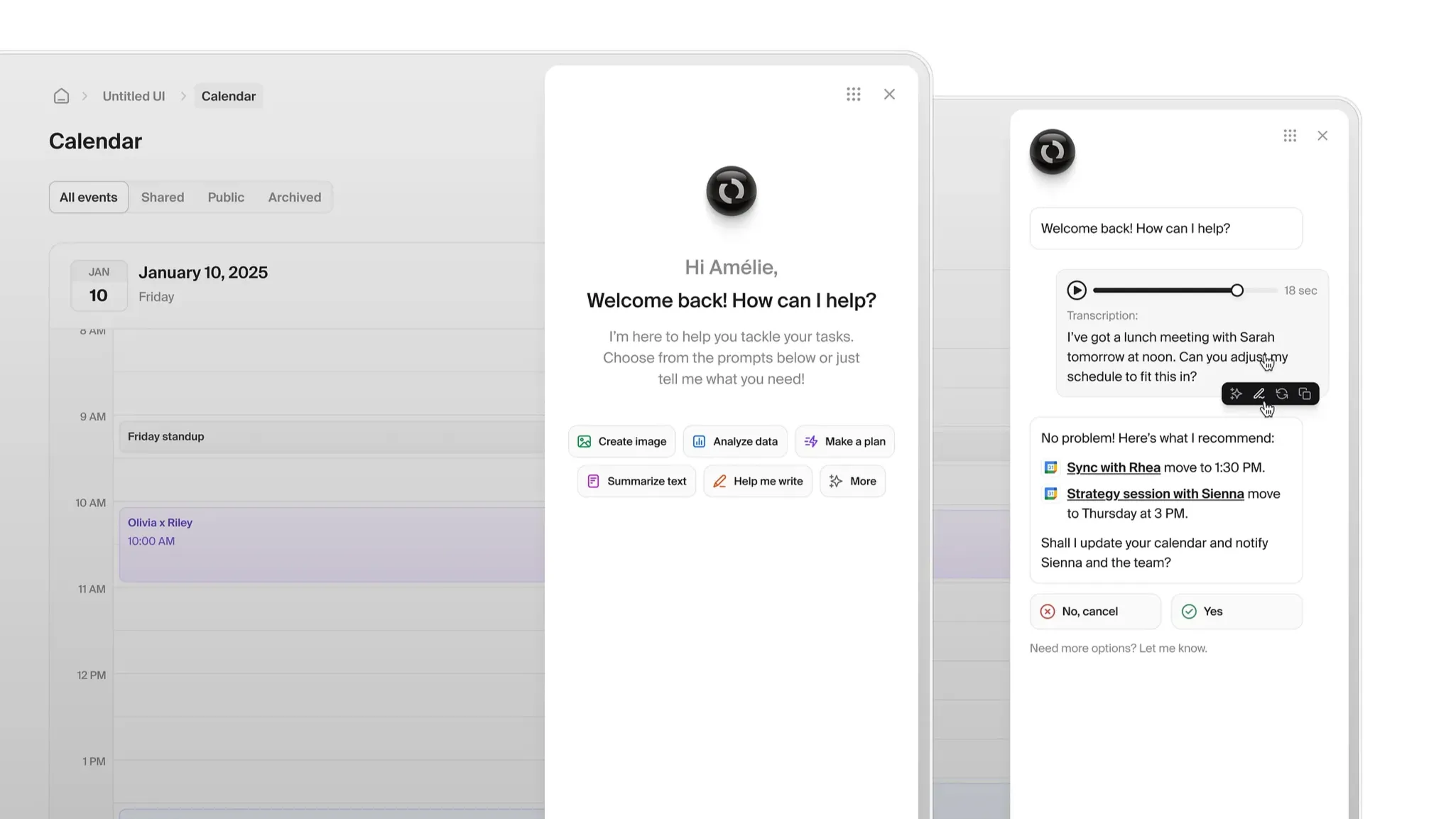
The AI gold rush is over. We’re no longer impressed by interfaces that “do it all for you.” The real breakthrough today (and tomorrow) is interfaces that collaborate.
In 2026, the best AI-driven UI acts like a partner, not a magician. Think:
- Assistive panels that suggest, not replace
- Inline AI responses with confidence indicators
- Override buttons with explanations (yes, even the “why”)
It’s about designing adaptive interfaces that let users see what’s happening—and decide if they want in. Personalization matters, but UI personalization only works if users feel in control.
2. Calm Interfaces and Intentional Friction
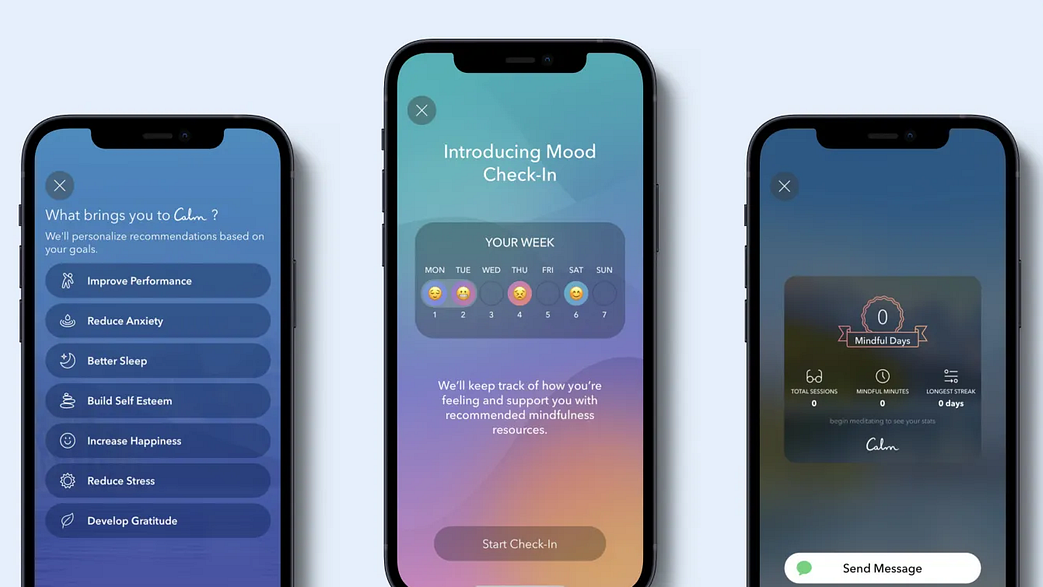
Design’s loud phase is out. In its place: Calm UI design that lets users breathe. But “calm” doesn’t mean blank. It means purposeful pacing:
- Fewer flashing modals
- Soft transitions between states
- Subtle confirmations that reduce decision anxiety
This is mindful interface design with edges sanded down. You’ll see more products introducing strategic friction—steps that force pause, not annoyance.
Why? Because cognitive load UX is now a design metric. It’s no longer “how fast can they click?” It’s “how supported do they feel?”
3. Depth, Layers, and Soft Spatial UI
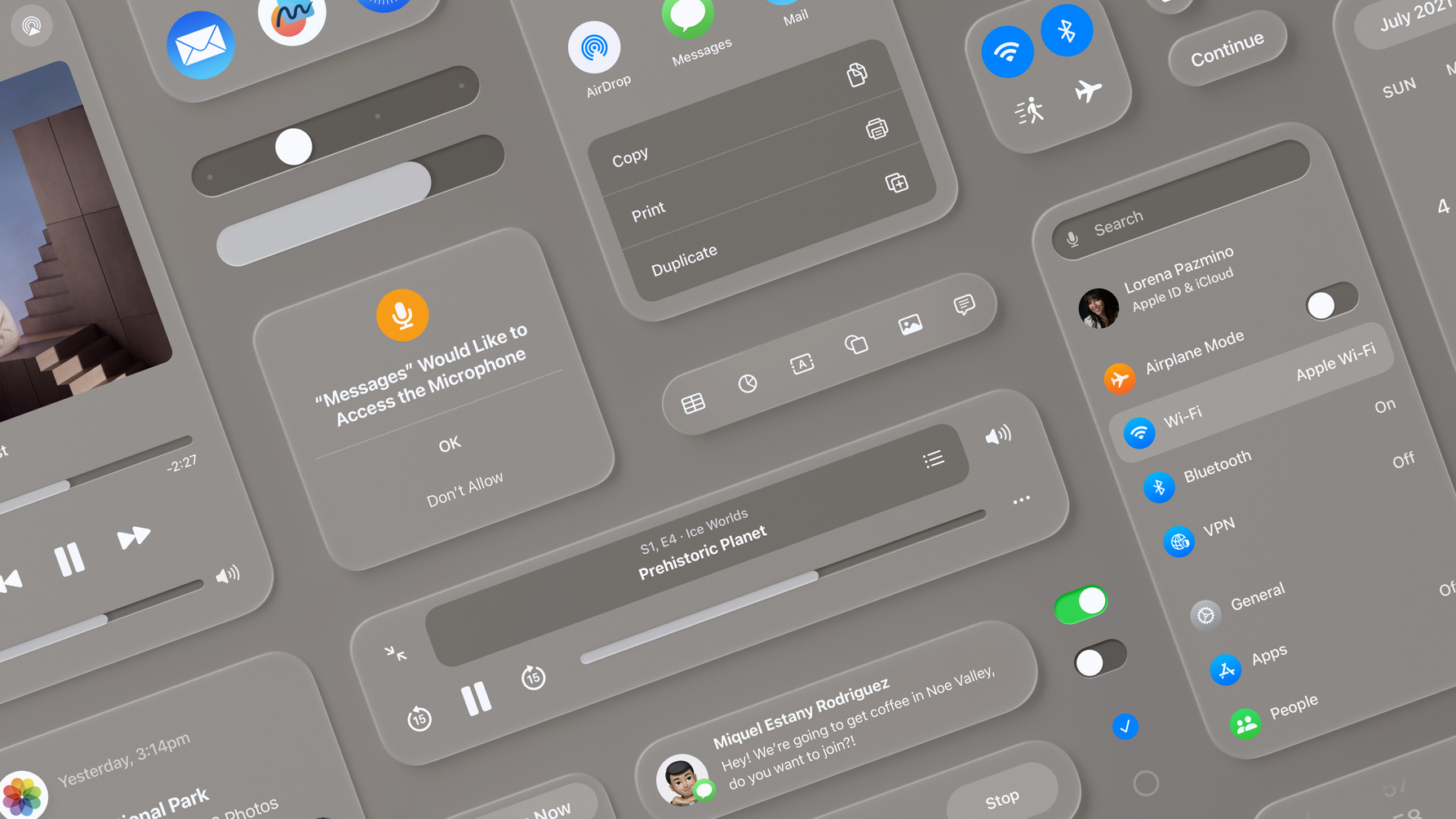
Not everything has to look like a spaceship to feel dimensional. Inspired by AR, XR, and a subtle 3D revival, 2026 UIs use depth cues that whisper, not scream:
- Layered cards
- Thoughtful shadow hierarchies
- Horizontal and vertical parallax used sparingly
This is the return of spatial UI design that actually makes interfaces easier to understand—not just prettier.
Good layered interfaces let users intuit what’s important, where they are, and what’s next. No tutorial needed.
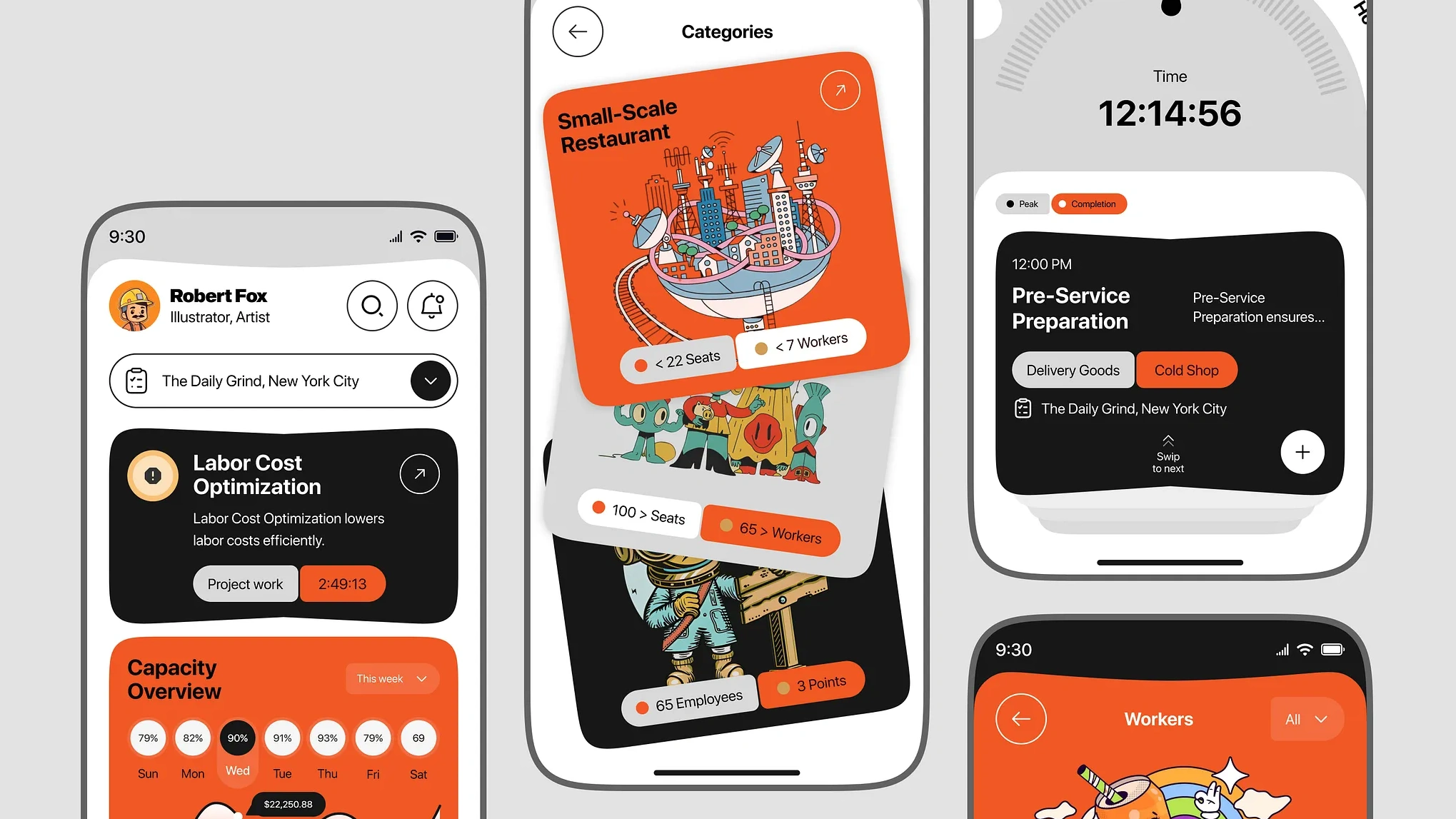
4. Expressive Typography as a Core UI Element
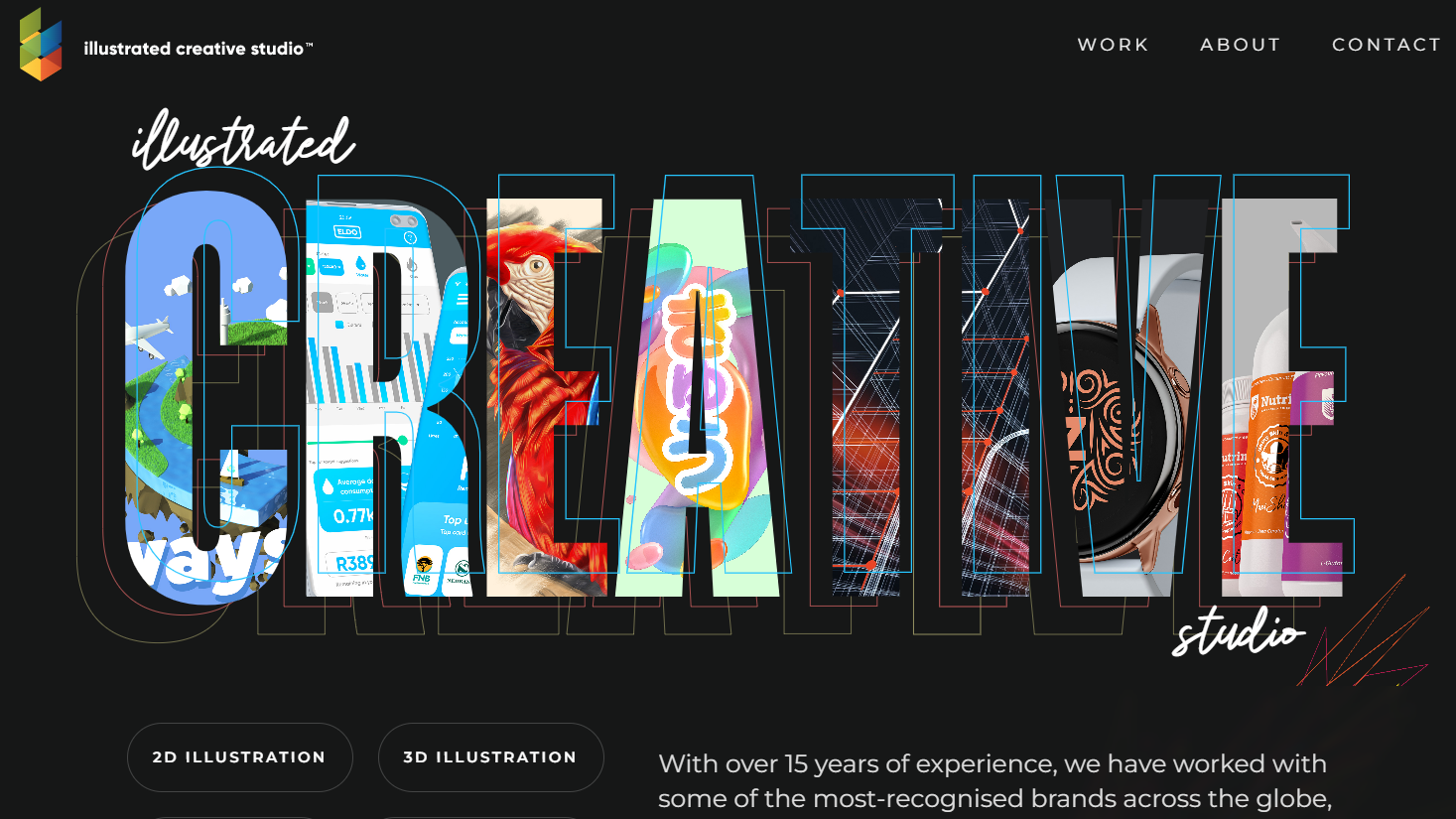
Forget giant icons and button gradients. In 2026, typography in UI design is doing the heavy lifting. With variable fonts, we now design type that adapts in real time:
- Font weight changes with user action
- Headlines morph across breakpoints
- Text signals emotion before the user reads
This shift reduces our dependency on iconography and makes interfaces more accessible and more direct.
Variable fonts UI lets type breathe with the user. It’s not static. It’s responsive in every sense.
5. Purposeful Motion, Not Decorative Animation
Motion is no longer the cherry on top—it’s the signpost in the fog. No more scroll-triggered explosions and bouncing arrows. The UI animation trends that matter now are:
- Micro-interactions that show state changes
- Transitions that respect loading time
- Feedback loops that are felt, not just seen
This is motion design for UX, not showreel. Think “useful,” not “viral.”
Performance-aware motion design now considers how fast things move, not just what moves. Because in 2026, speed equals trust.
6. Modular Design Systems That Actually Scale
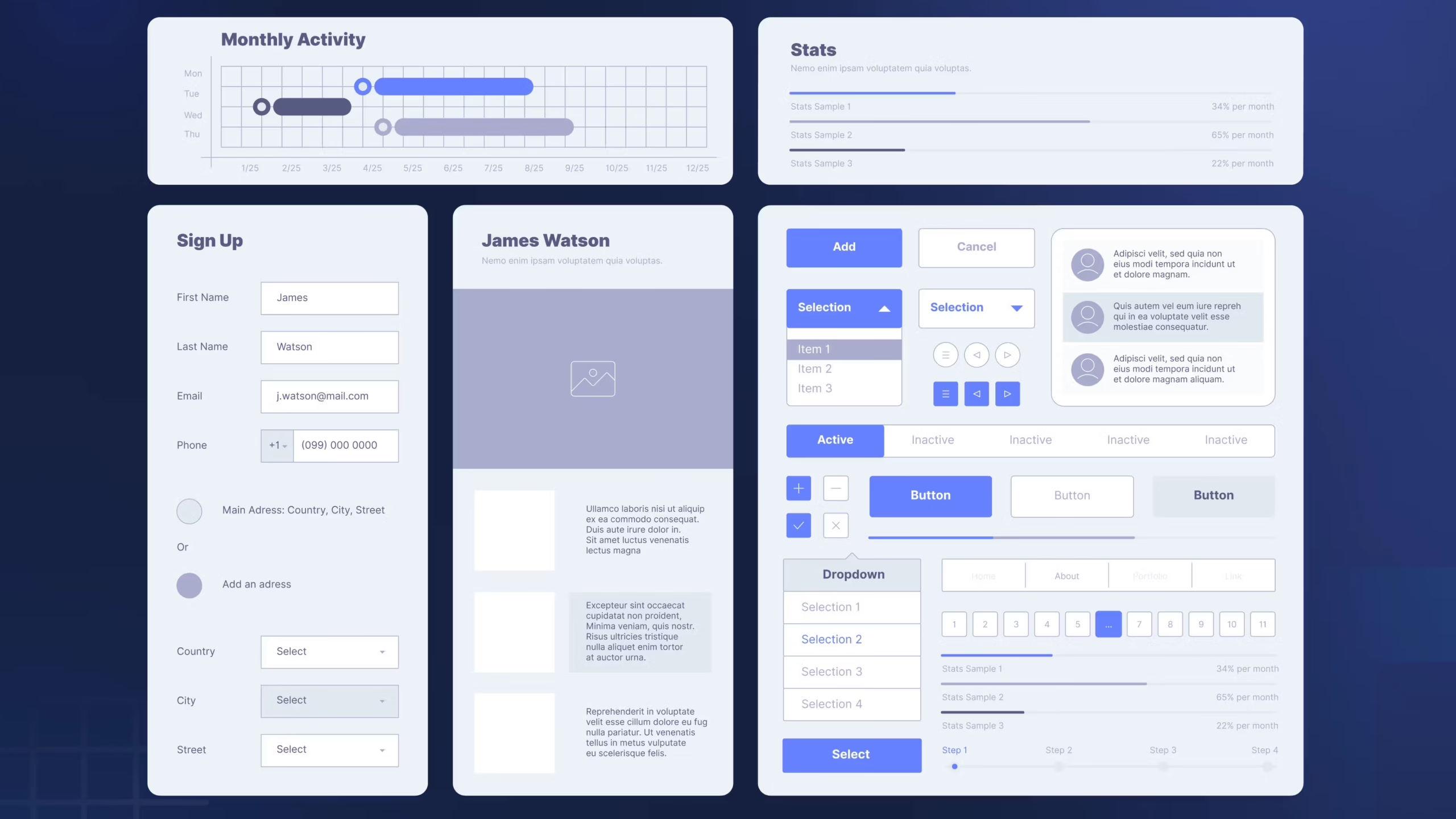
Modularity isn’t a Figma checkbox—it’s a survival tool. Teams are scaling products across regions, languages, and AI-generated layouts. That means your UI better:
- Adapt to multiple screen types
- Support localization logic
- Flex around unexpected content
This isn’t about repeatable buttons—it’s about intelligent logic.
Modular UI design now includes:
- Layout rules, not just components
- Behavior libraries
- Theme swaps that don’t break the grid
The systems that win in 2026 are loose, living, and logic-first.
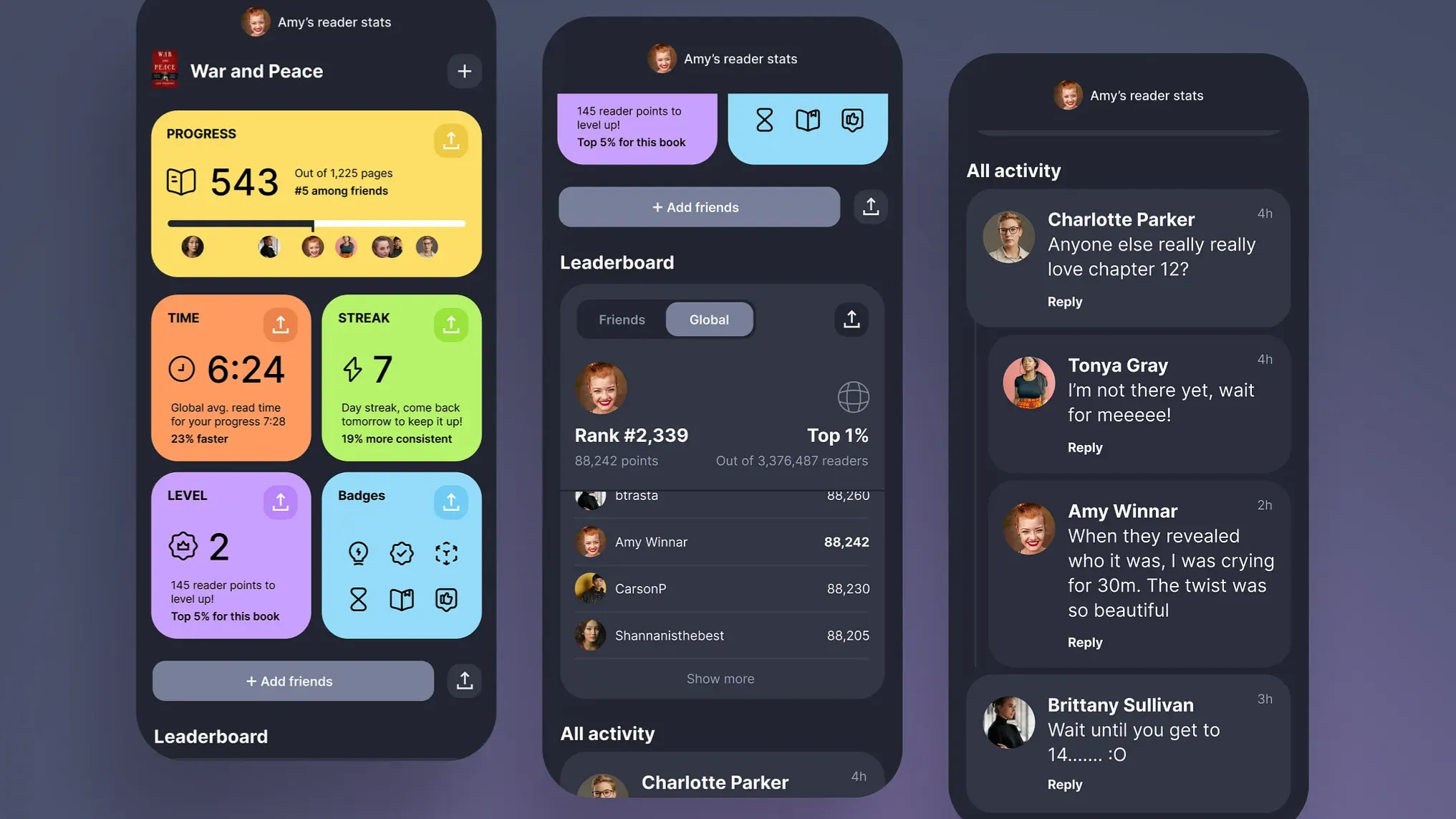
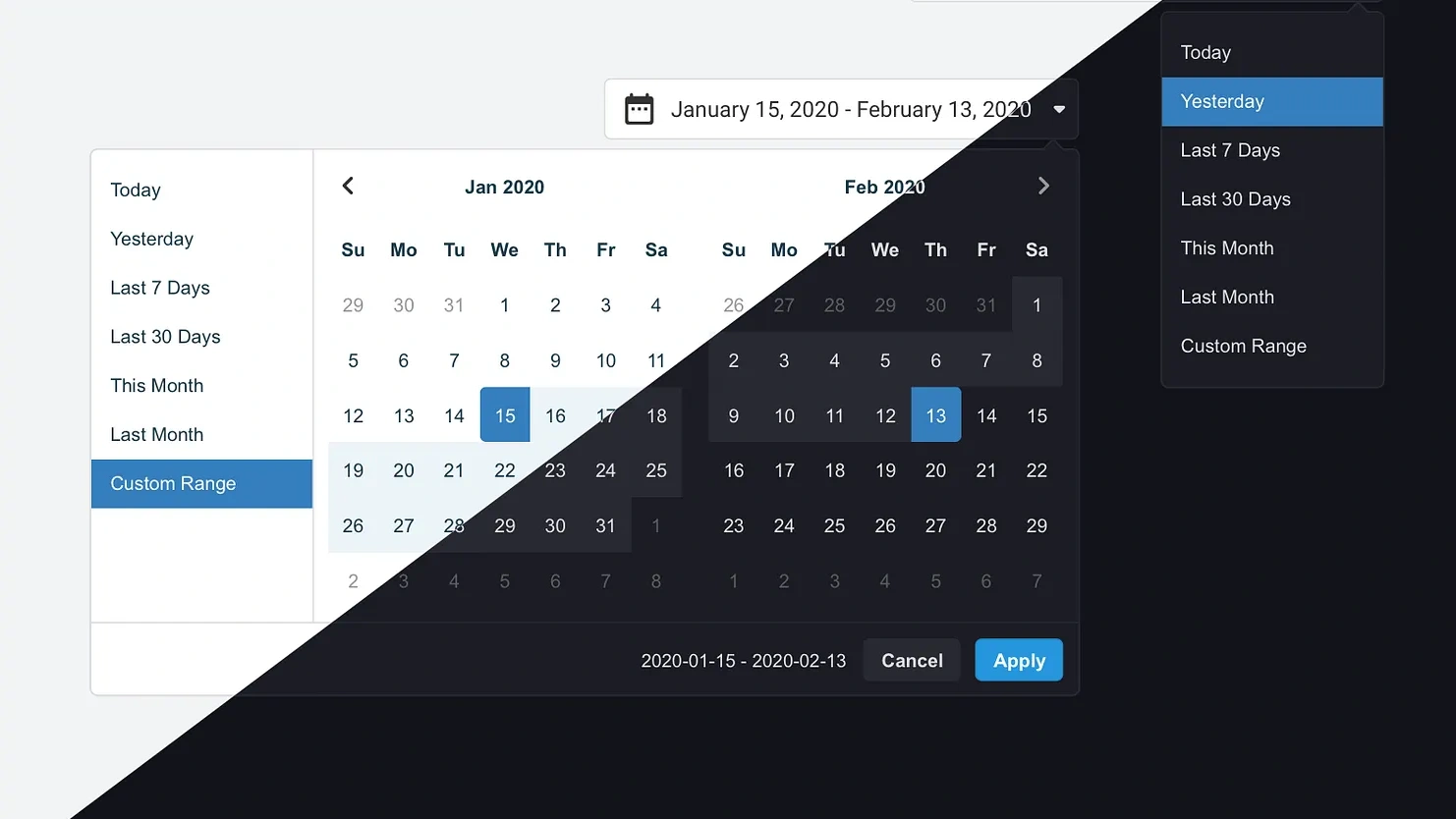
7. Dark Mode Grows Up (and Gets Nuanced)
It’s time we stop pretending pitch-black backgrounds are a flex. 2026 is the year dark mode UI design grows out of its goth phase. Instead of extremes, we’re seeing:
- Soft blacks and charcoals
- Temperature-tuned themes (warmer at night, cooler at work)
- Adaptive contrast for aging eyes
This is about accessibility UI trends, not aesthetics. Because guess what? Eyes get tired. And good design helps users keep going.
Dark mode is no longer a toggle. It’s an experience layer.
8. Content-First Layouts for Scannability
If your layout assumes people read like they’re sipping tea on a Sunday morning, you’re designing for no one.
Welcome to the age of the content-first UI. Interfaces now prioritize scannability like never before:
- Chunked layouts
- Predictable text patterns
- Headlines that summarize, not tease
This is how users actually behave:
- They scan for relevance
- They skim for action
- They jump based on need
Scannable interfaces respect time and reduce bounce. They design for motion, not meditation.
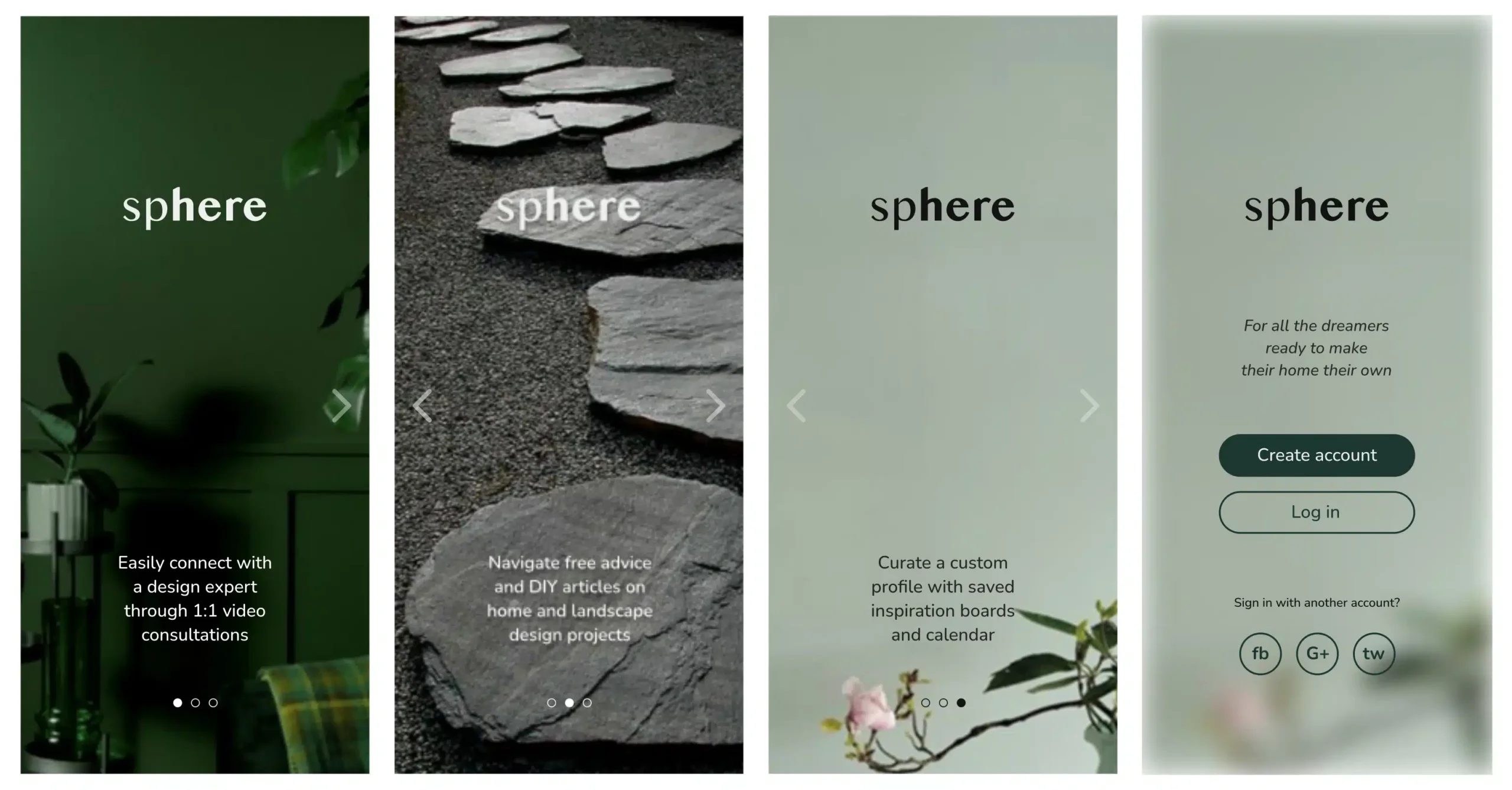
9. Personalization Without Feeling Creepy
Users want personalization. They don’t want surveillance. The best personalized UI in 2026 is subtle and context-aware:
- Time-based themes
- Device-specific behavior
- Mood-aware layouts (based on past actions, not data hoarding)
And crucially: they explain why.
Ethical UX design requires transparency. It means showing what’s inferred, letting users adjust it, and never assuming intimacy.
Because if personalization feels invisible, it’s smart. If it feels invasive, it’s dead.
10. Performance-Led Design Decisions
Design can’t ignore the backend anymore. The fastest-growing UI/UX design trend? Performance UX.
In 2026, performance isn’t just a dev concern—it’s a visual feature.
- Skeleton screens over spinners
- Delayed loads that don’t break flow
- Interfaces that “feel” fast even before they are
Designers now use fast UI design principles as a creative constraint. They ask:
- “What can we show while the heavy stuff loads?”
- “How can motion mask wait times?”
- “Can this feel instant—without lying?”
Because users equate responsiveness with reliability.
The Future of UI Design: Quiet Power
This isn’t about glossy gradients or what’s trending on Behance. The UI design trends of 2026 show something deeper:
- Interfaces are becoming editors, not entertainers
- Designers are architects, not decorators
- Experiences are quieter, smarter, and more respectful
The best design of 2026 doesn’t scream, it guides. Because it’s more than just decorating boxes. It’s shaping how people think, decide, and move through digital space.
Welcome to the future of UI design. Stay sharp.
Recommended Reading
Want more insight into design that breathes, adapts, and performs? Start here:
6 Essential Elements of a Company Website Design
Big Little Details: 7 Helpful Elements of Web Usability
UX Design: Types of Interactive Content Amplifying Engagement
Negative Space in Design: Tips and Best Practices
5 Basic Types of Images for Web Content
Types of Contrast in User Interface Design
5 Pillars of Effective Landing Page Design
How to Make Web Interface Scannable
The Anatomy of a Web Page: Basic Elements